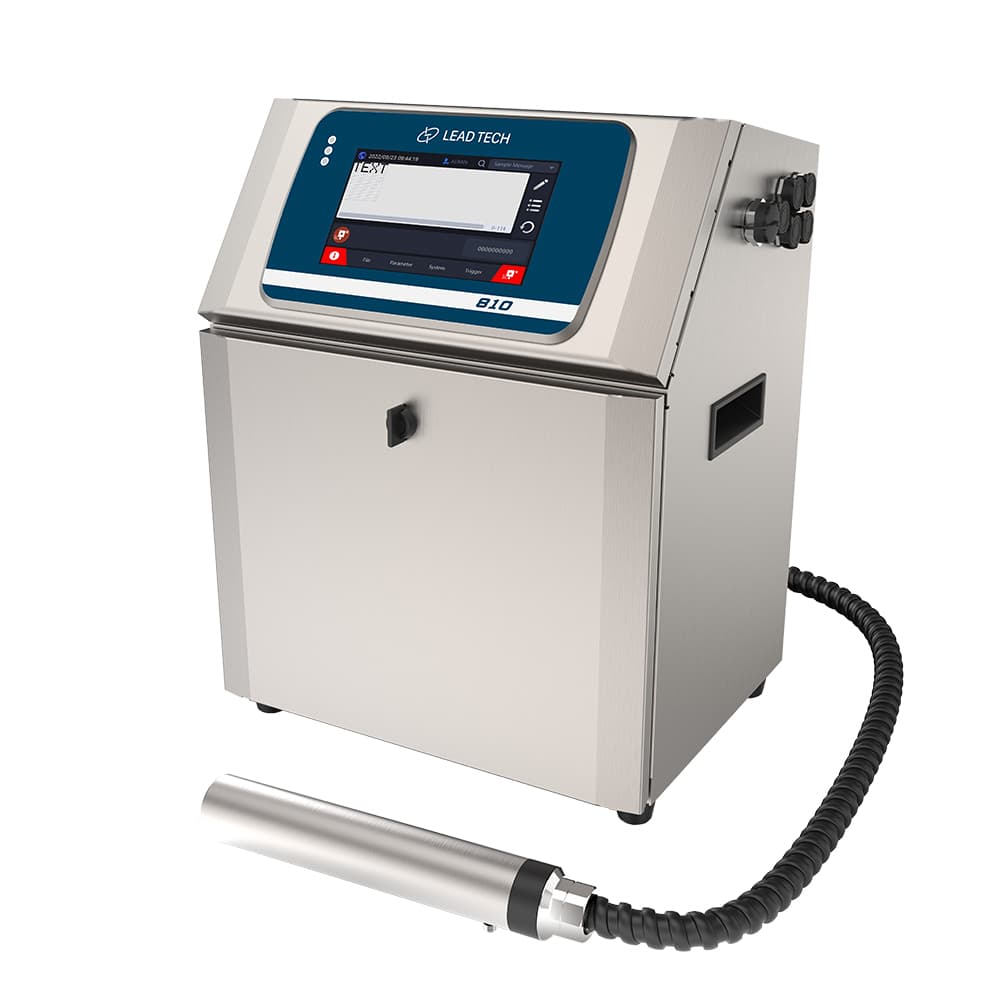
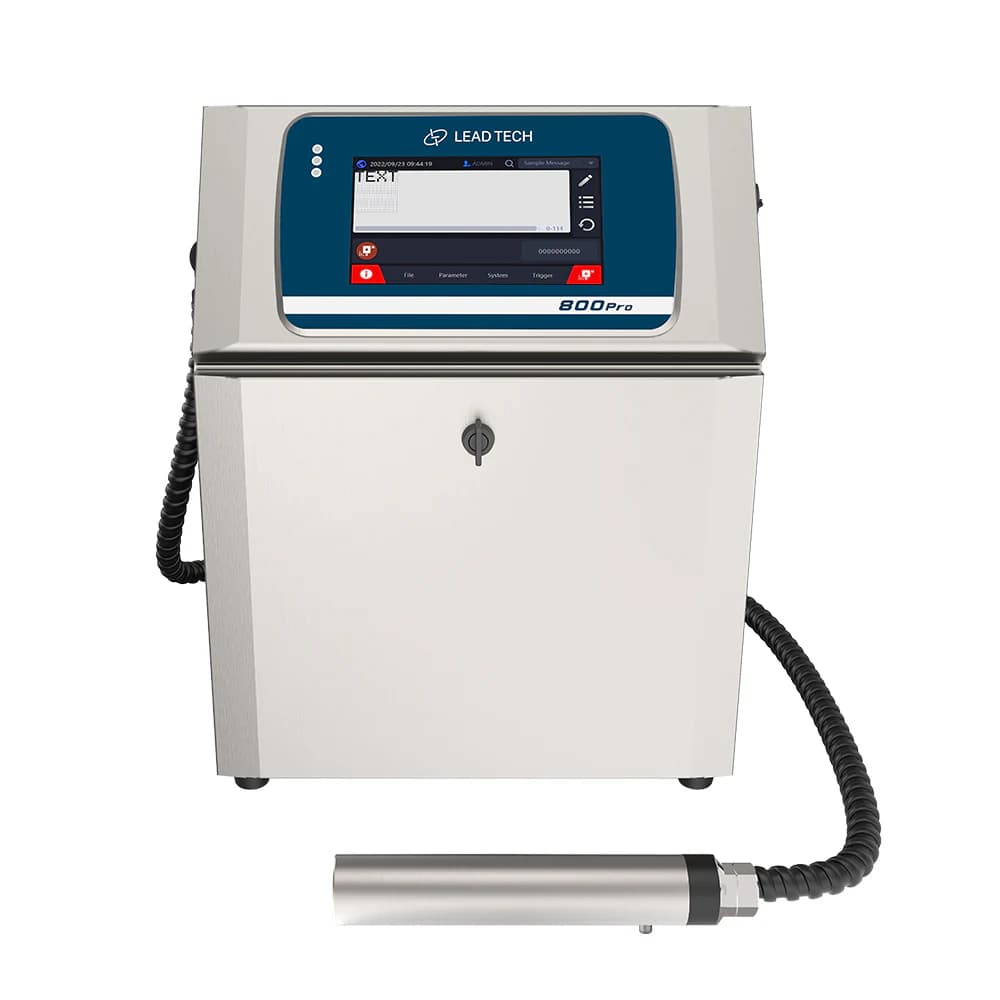
Performance depends on the message
The LT810 Pro table associates its maximum speed with a 5×5 character matrix. A longer message, extra lines or a different code changes the print task. Evaluate the required mark at the actual conveyor speed and available print window.
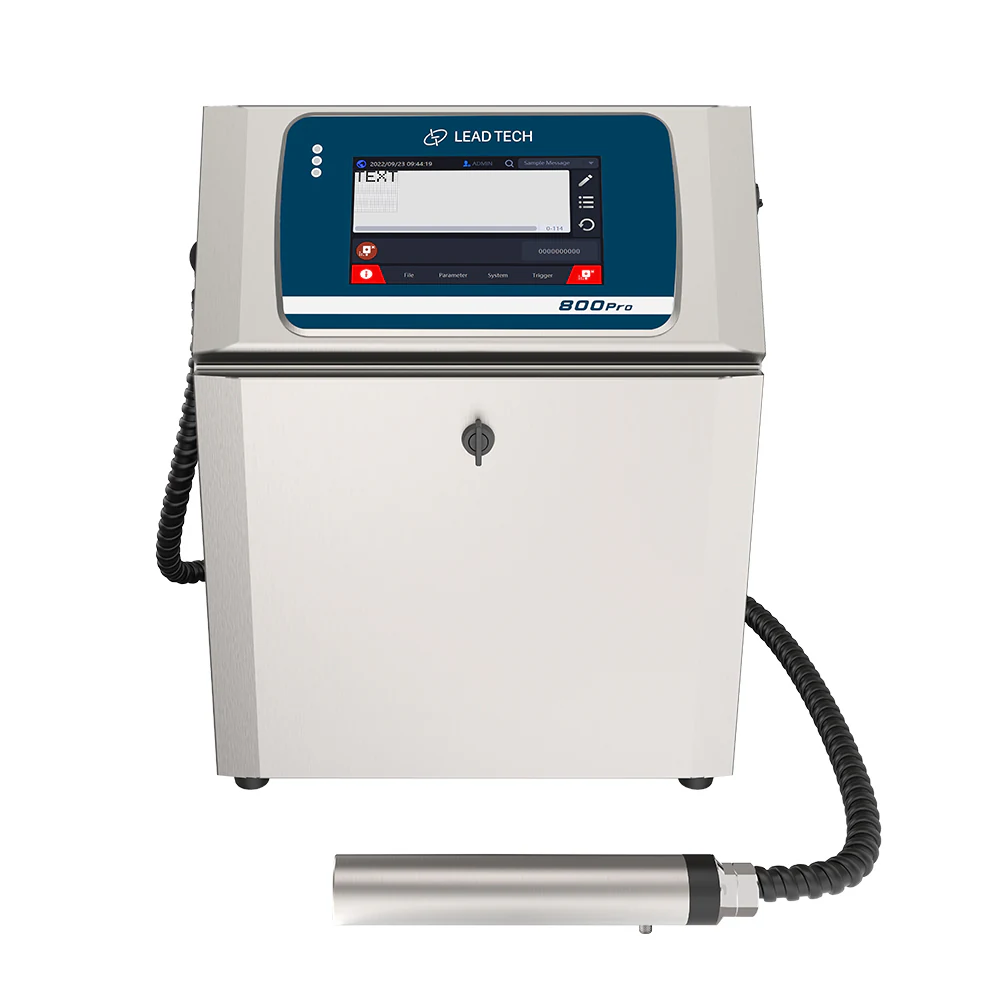
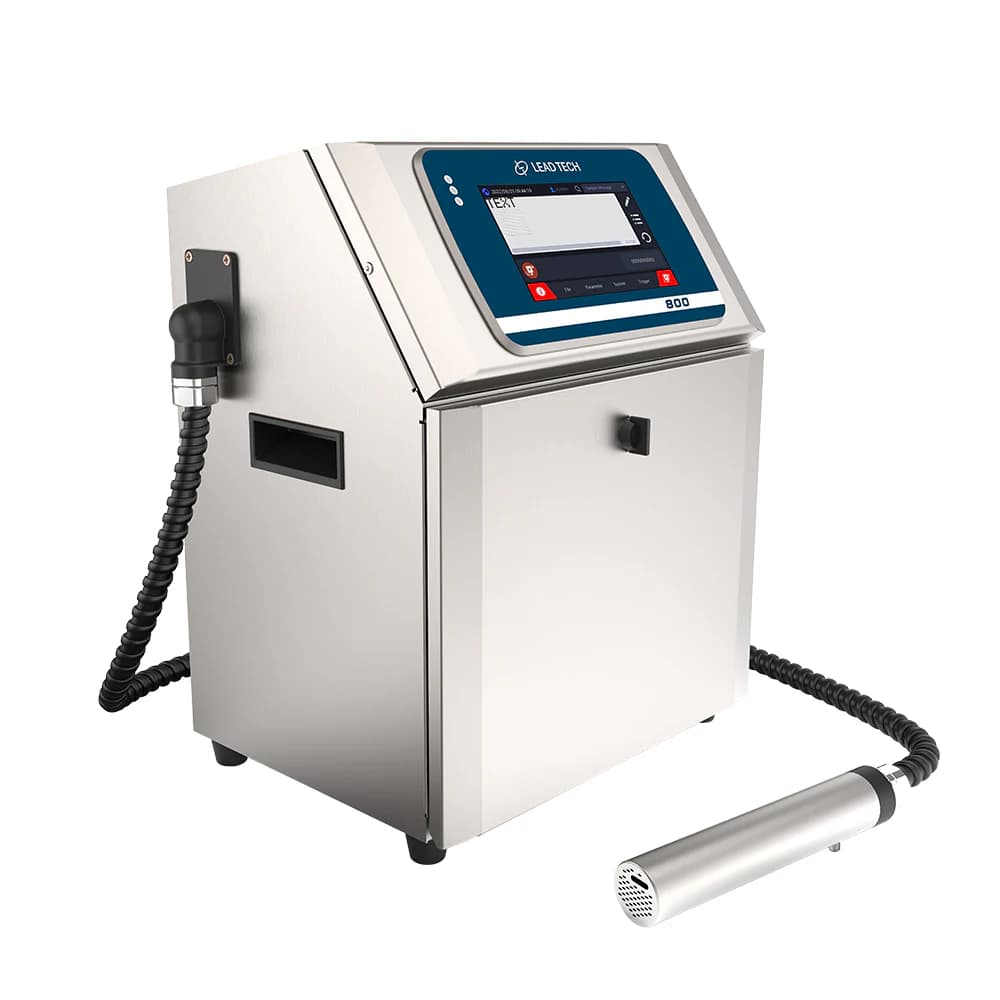
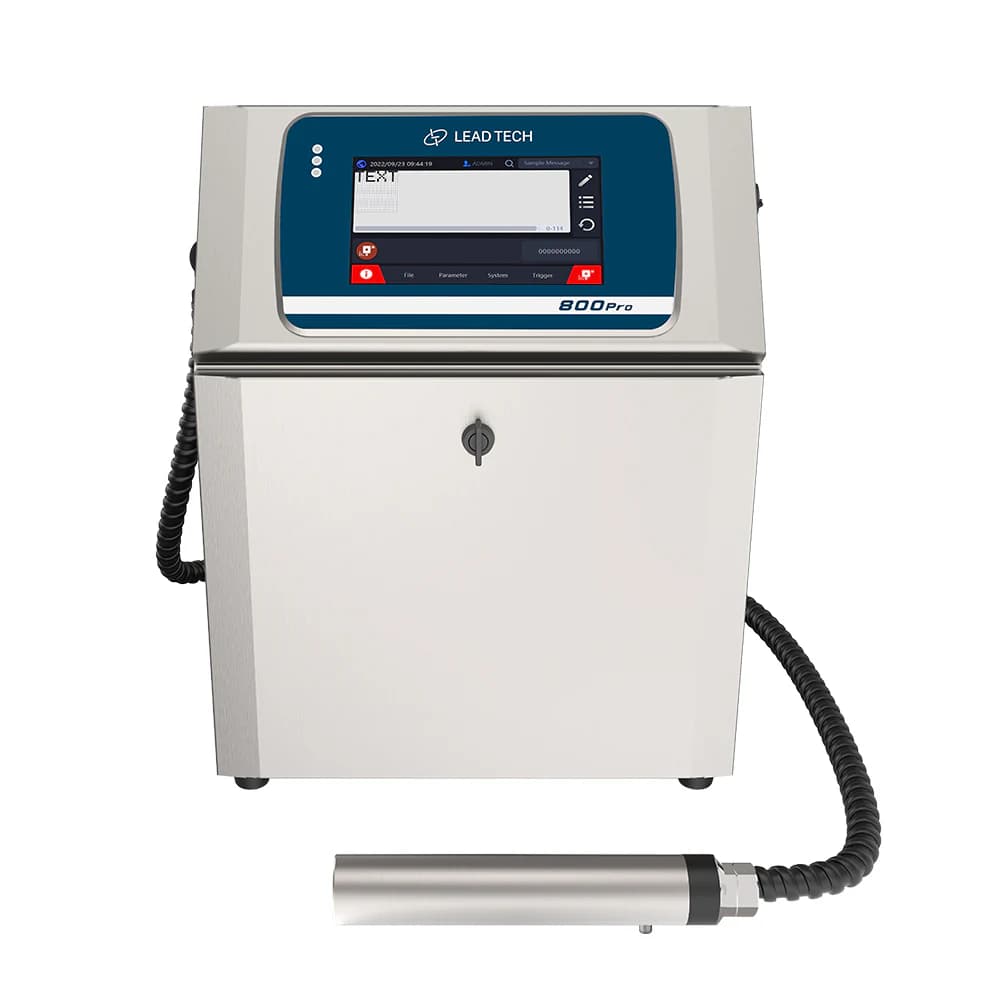
LT800/LT810 Pro-family cabinet reference from the LT810 Pro page; the pictured front is marked 800Pro, not an exact LT810 Pro identity photograph.
Printer and line connections
USB, RS485 and Ethernet are listed for this Pro model. Define the data source and trigger arrangement before integration. The remote printhead also needs a suitable mounting position and protected routing for its connecting line.
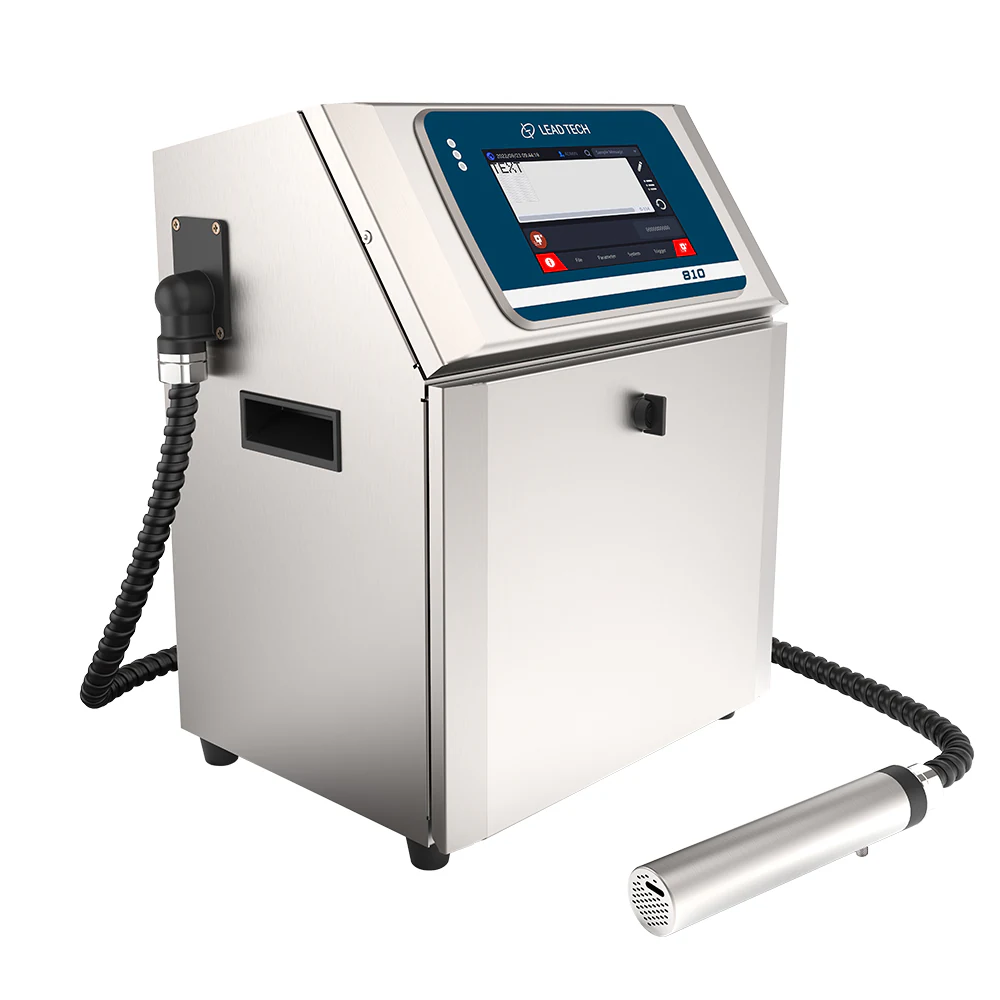
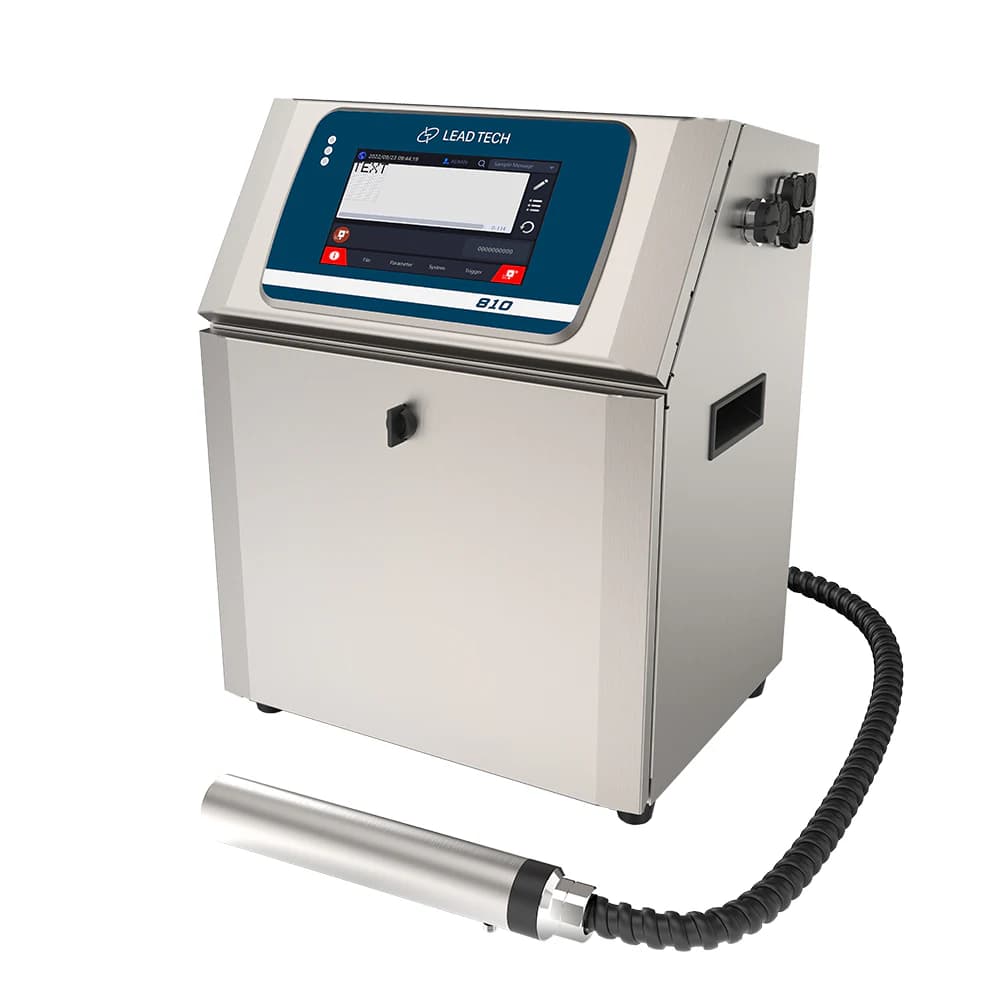
LT800/LT810-family side view from the LT810 Pro page; the pictured front is marked 810, so the exact Pro configuration is not established by this image.
Ink, substrate and routine operation
The product page lists separate ink and make-up cartridges. Select consumables around the surface and exposure conditions, then test adhesion and readability on representative parts. Confirm cleaning and planned maintenance for the chosen ink rather than transferring a generic service-life claim.
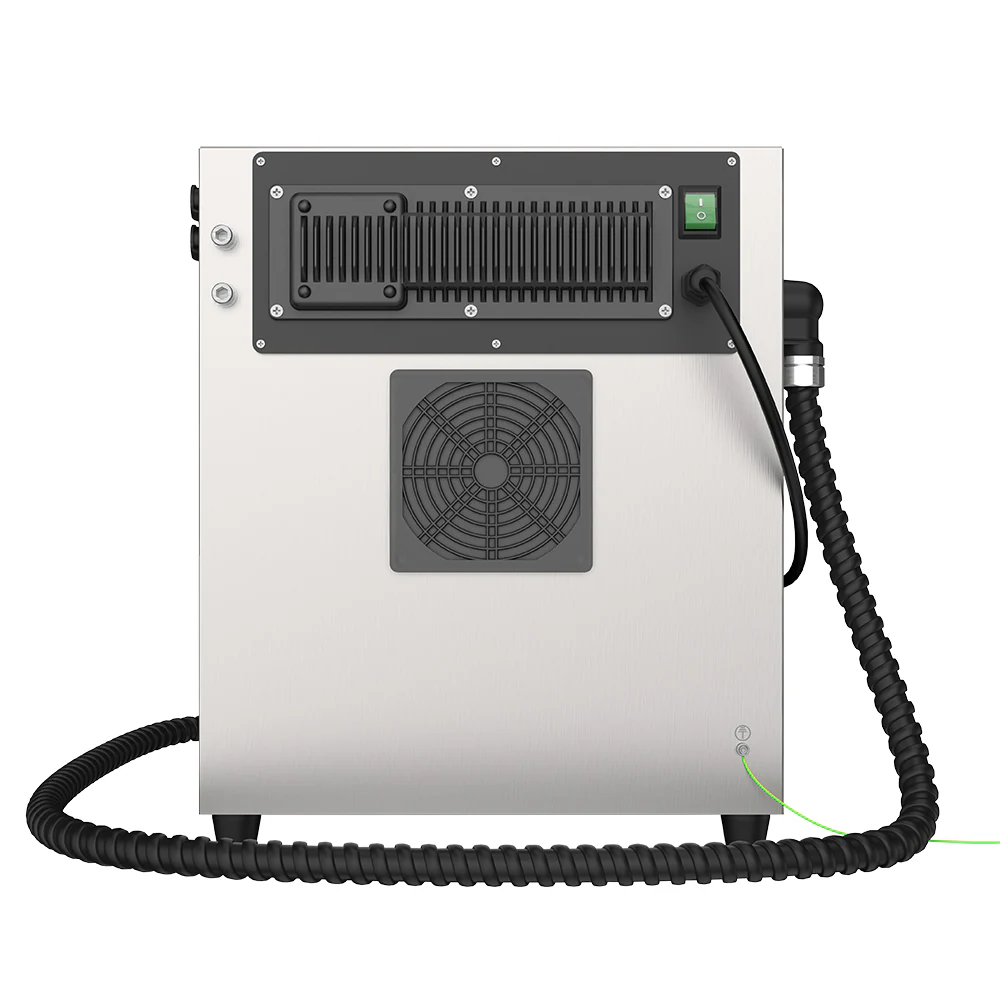
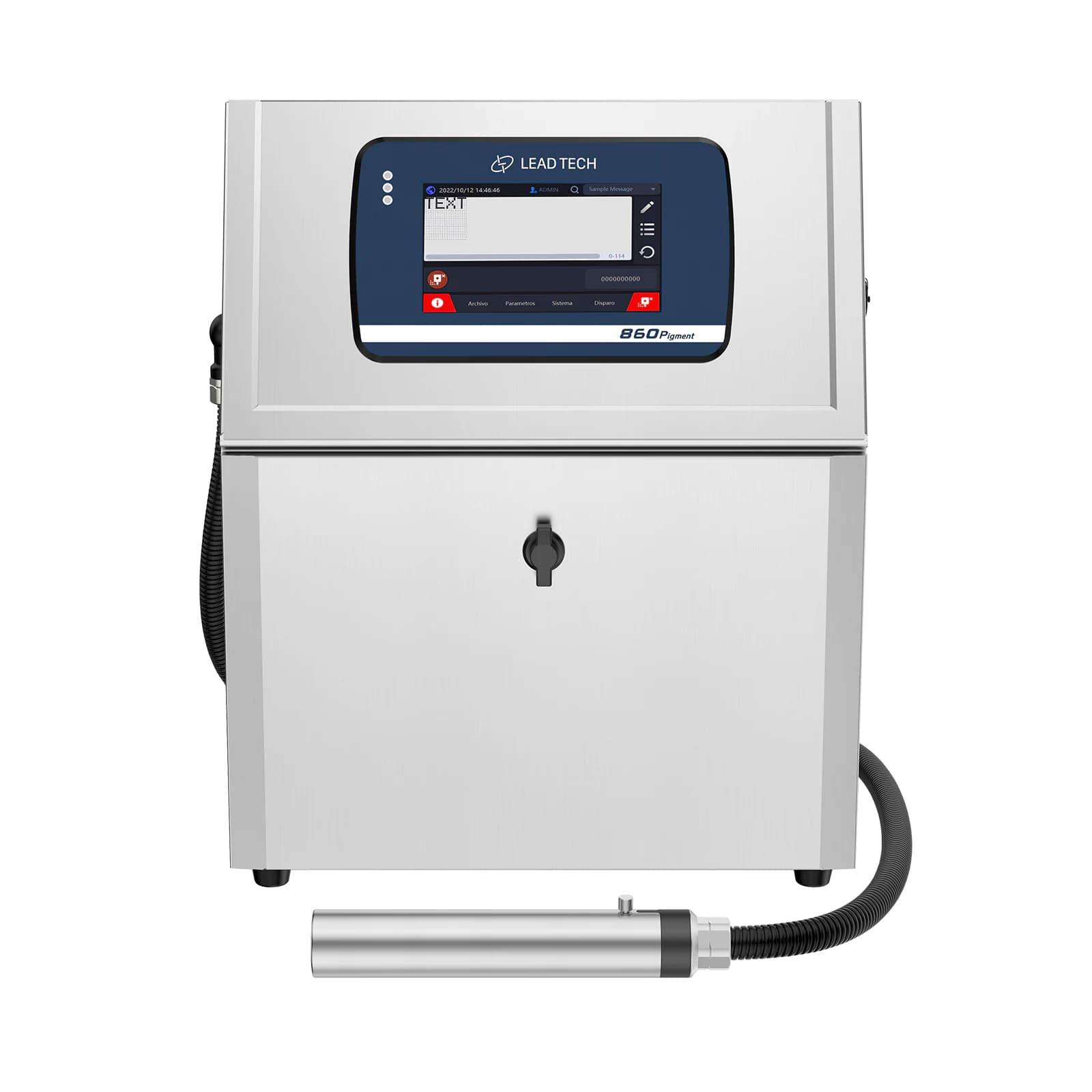
Rear-cabinet view in the LT810 Pro gallery; LT800/LT810-series configuration reference, exact photographed version unconfirmed.
Planning your configuration
- Provide code content, line speed, trigger arrangement and substrate samples.
- Confirm ink chemistry, consumable specification and environmental limits.
- Agree on communications protocol, printhead mounting and acceptance samples.
- Confirm the LT810 Pro model nameplate and ordered interfaces: the official gallery mixes related cabinet versions.
Manufacturer sources
Product information and images are based on the following manufacturer references, reviewed on 2026-10-20T01:50:32.329338+00:00.