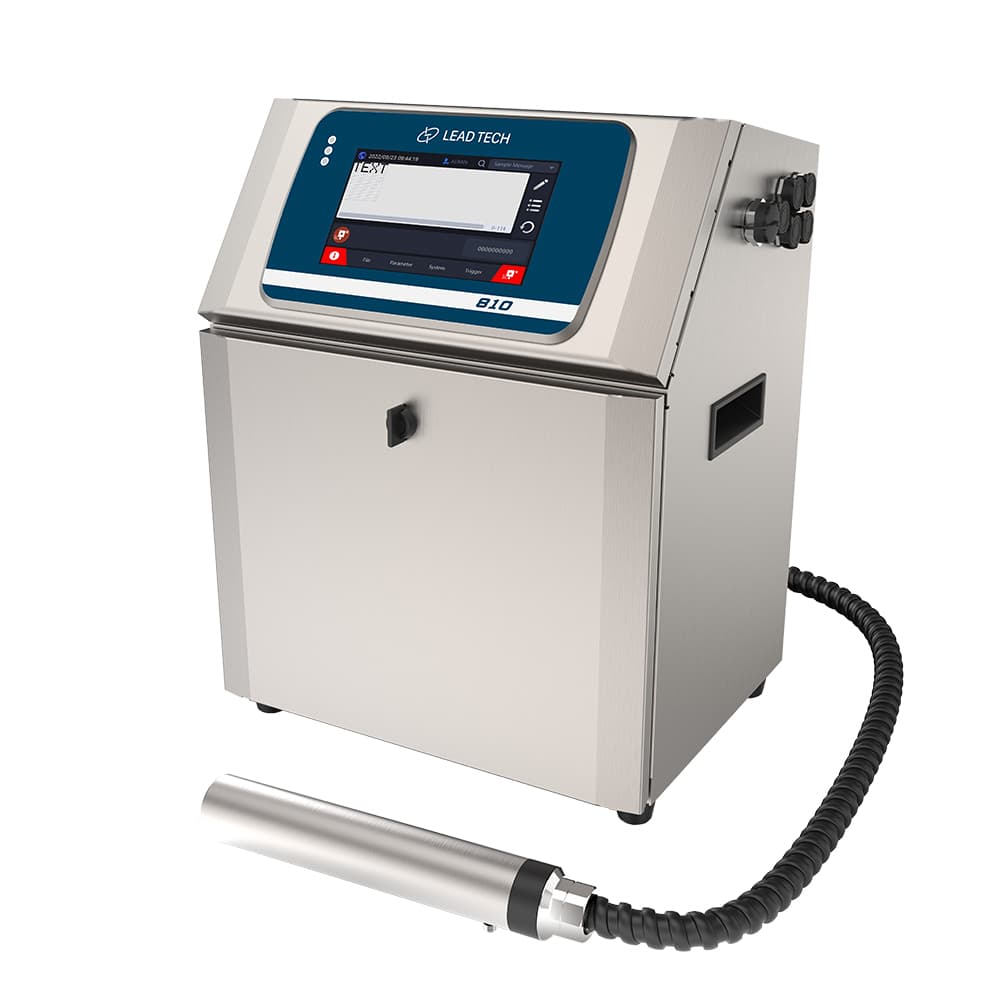
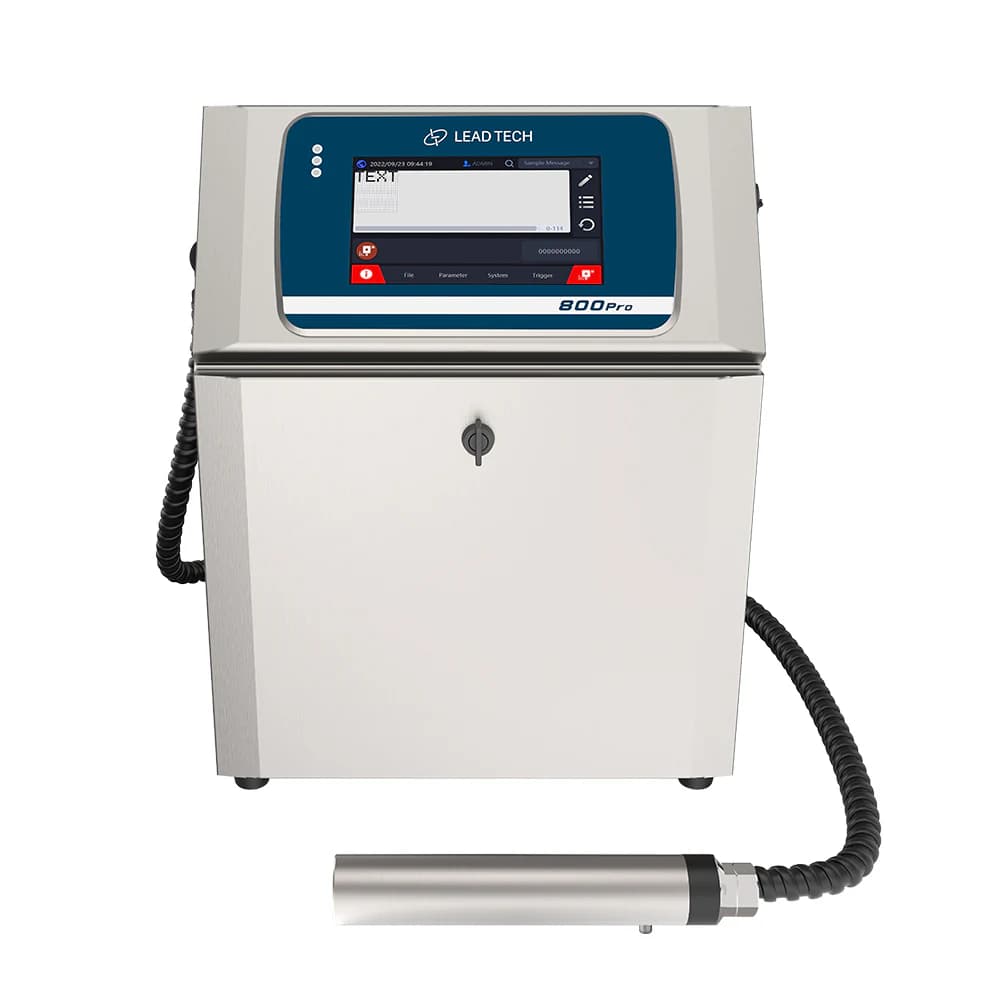
Use the Pro performance conditions
The LT800 Pro shares the Pro column with LT810Pro, where the maximum speed is tied to a 5 × 5 matrix. Validate the actual code, product spacing and line speed together. Neither the standard-model speed nor the higher HRS figure should be substituted for the selected Pro configuration.
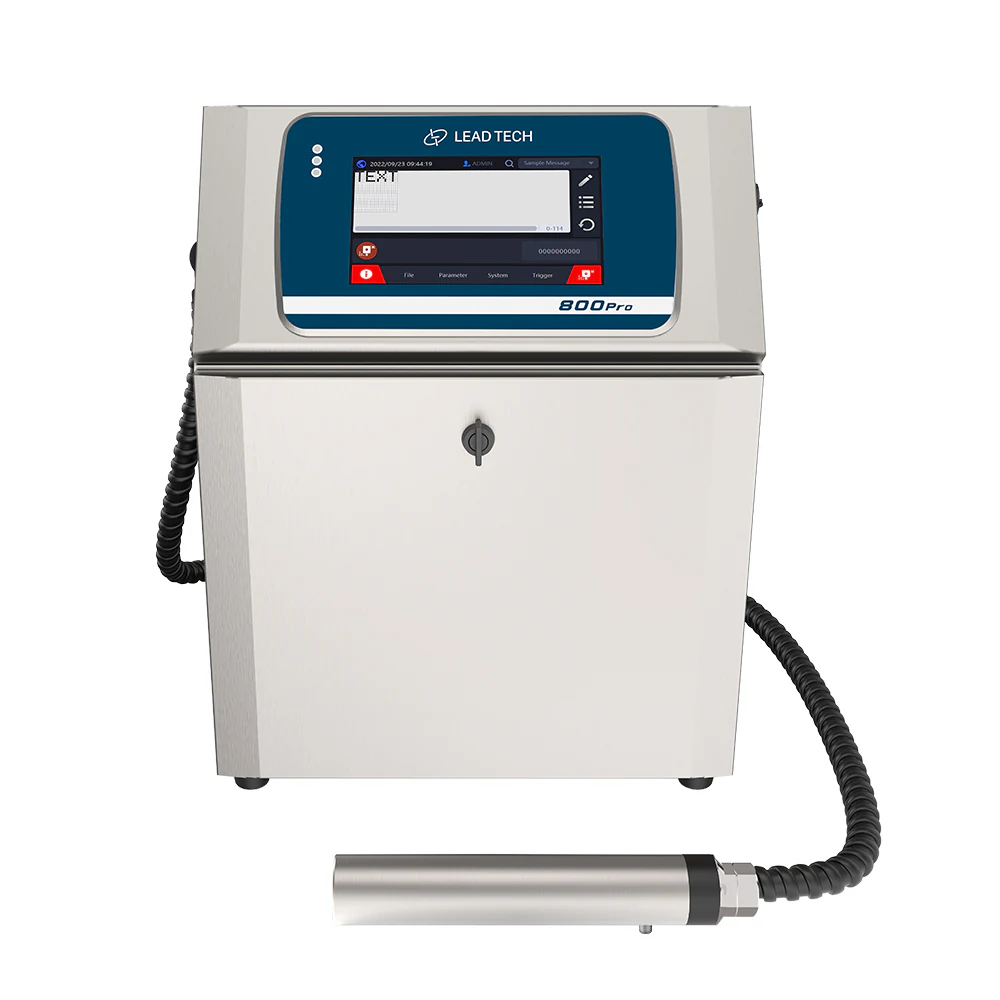
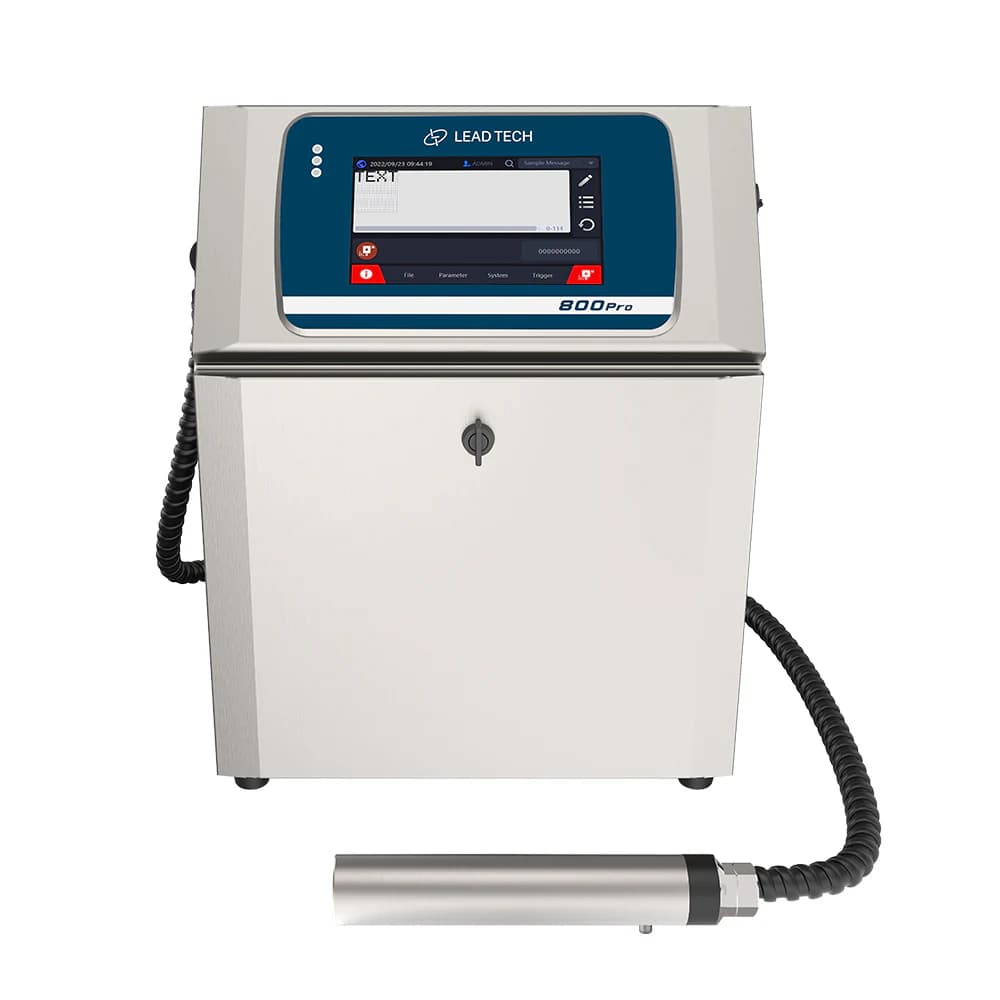
Manufacturer gallery photograph visibly marked 800Pro; exterior reference for LT800 Pro.
Set up the printhead for the surface
The model information lists a 60 μm printhead and recommends a 10 mm printing distance. Check mounting, product movement and ink choice on representative parts. Confirm readability and adhesion after the handling, packing or storage steps that follow printing.
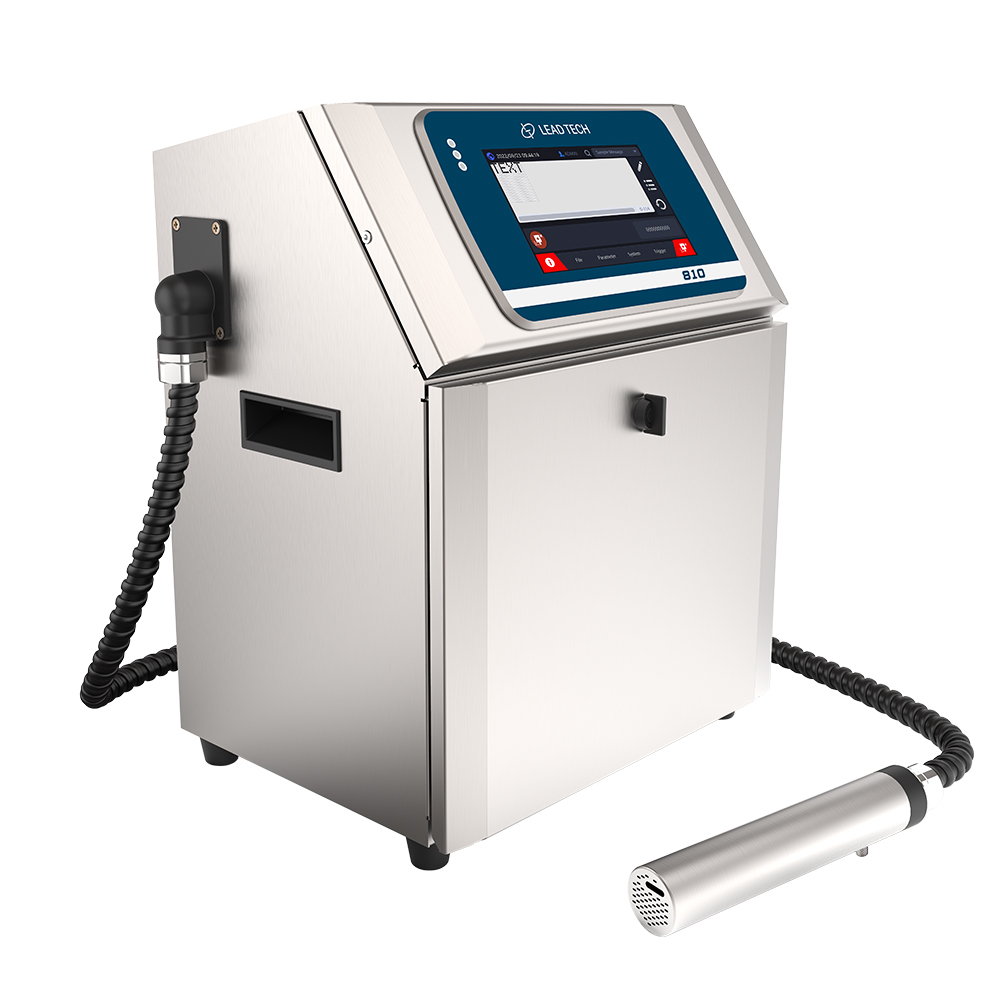
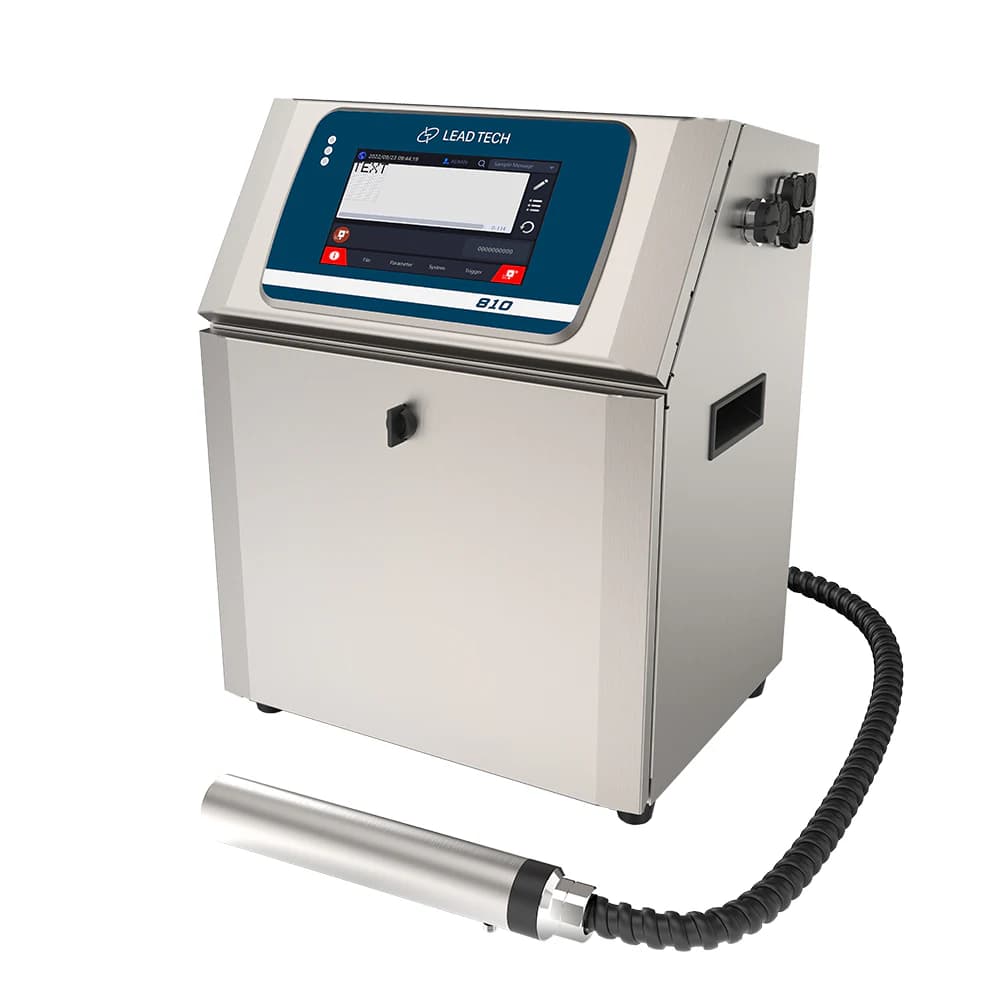
Related 810-labelled cabinet in the LT-series gallery; series reference rather than an LT800 Pro nameplate image.
Specify data and control connections
Agree on message updates, trigger signals and encoder use with the production-line controls. The manufacturer lists Ethernet alongside USB and RS485 but also qualifies network functions by configuration. Confirm the supplied interface and software scope before relying on automated message exchange.
Planning your configuration
- Provide exact message, substrate, target speed and code-readability requirement.
- Confirm ink, nozzle setup, trigger and encoder arrangement through a representative trial.
- Specify interfaces and network options explicitly and confirm supplied LT800 Pro identification.
Manufacturer sources
Product information and images are based on the following manufacturer references, reviewed on 2026-10-20T03:29:58.684085+00:00.