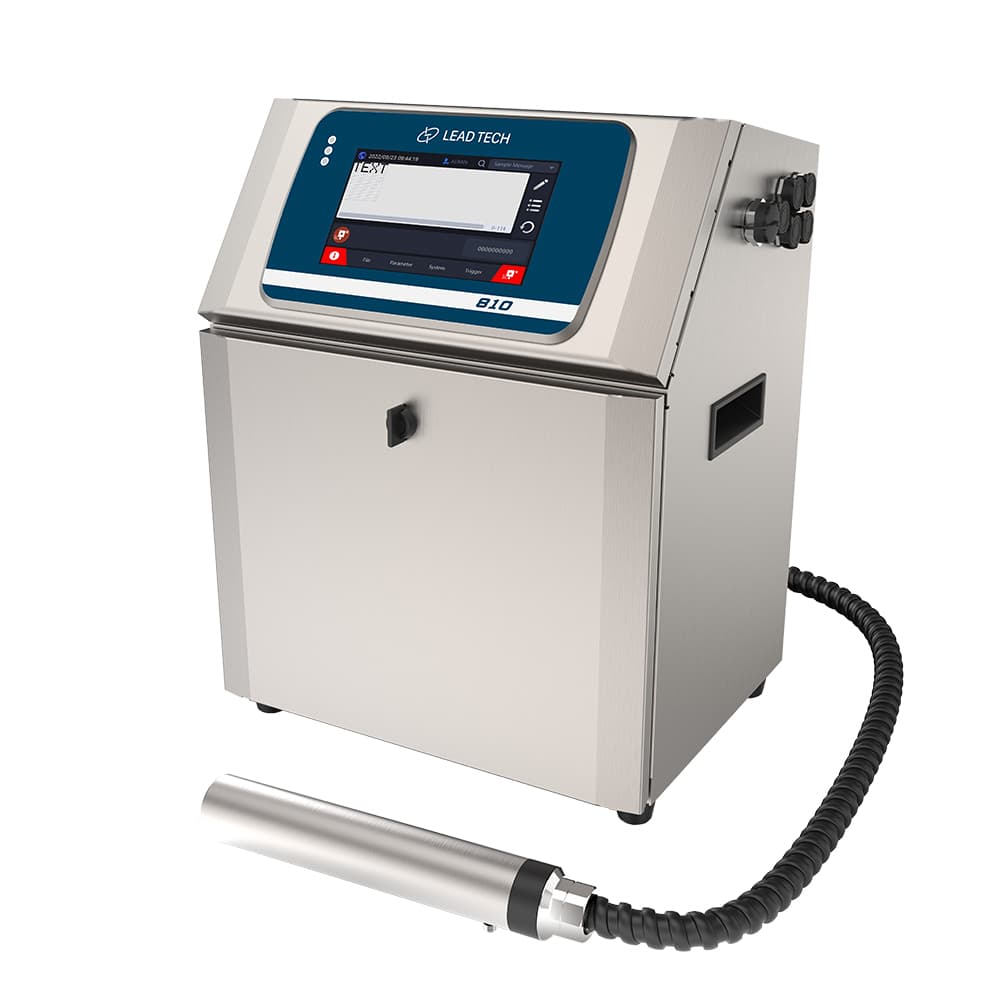
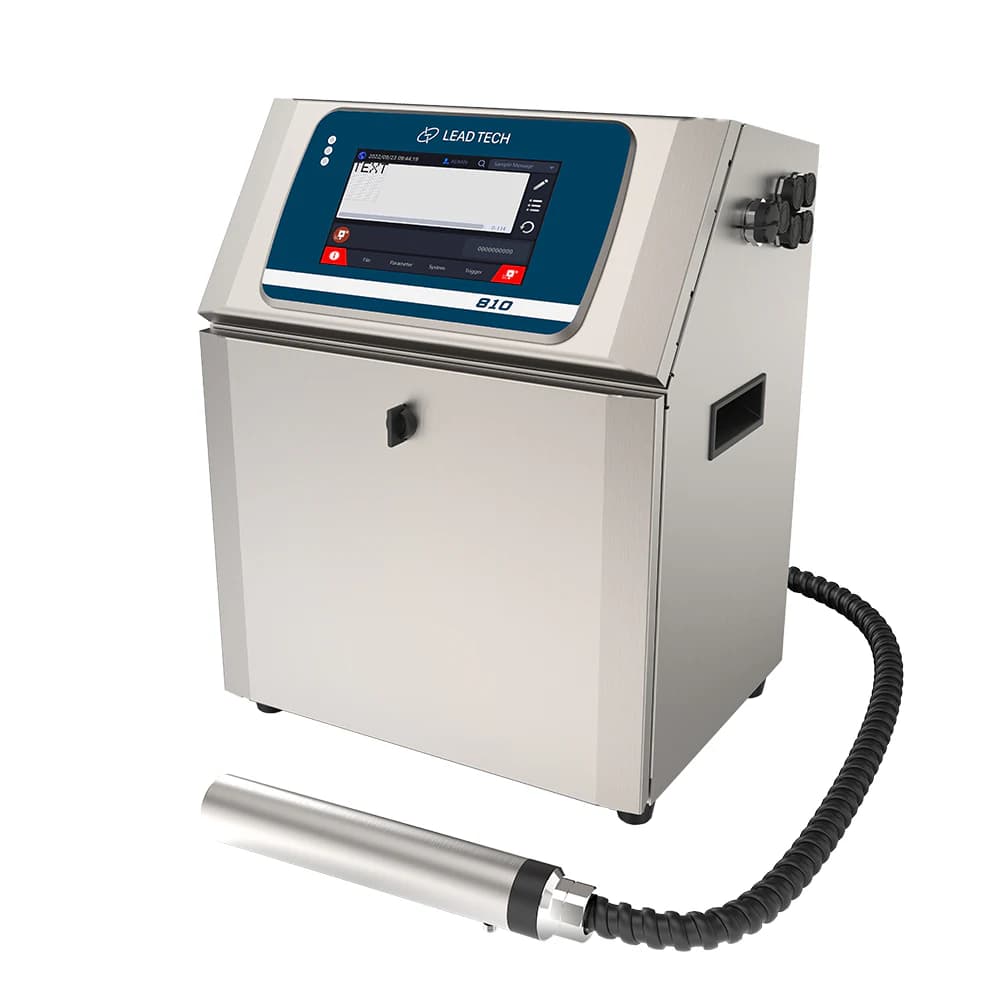
Use the standard-model performance column
The comparison page groups LT810 with LT800 under the standard configuration. Its 206 m/min maximum is specified for a 5 × 5 matrix. A multiline message or machine-readable code needs its own test; the faster Pro and HRS figures belong to separate model columns.
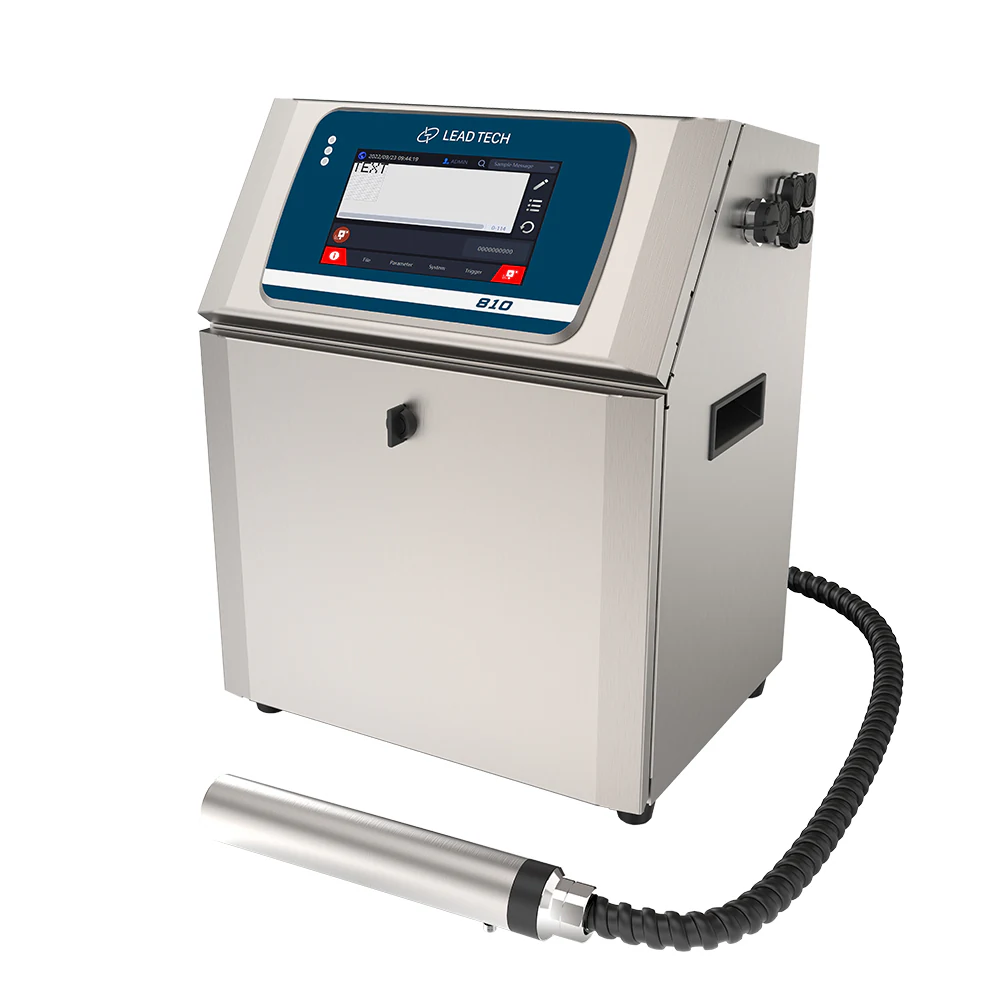
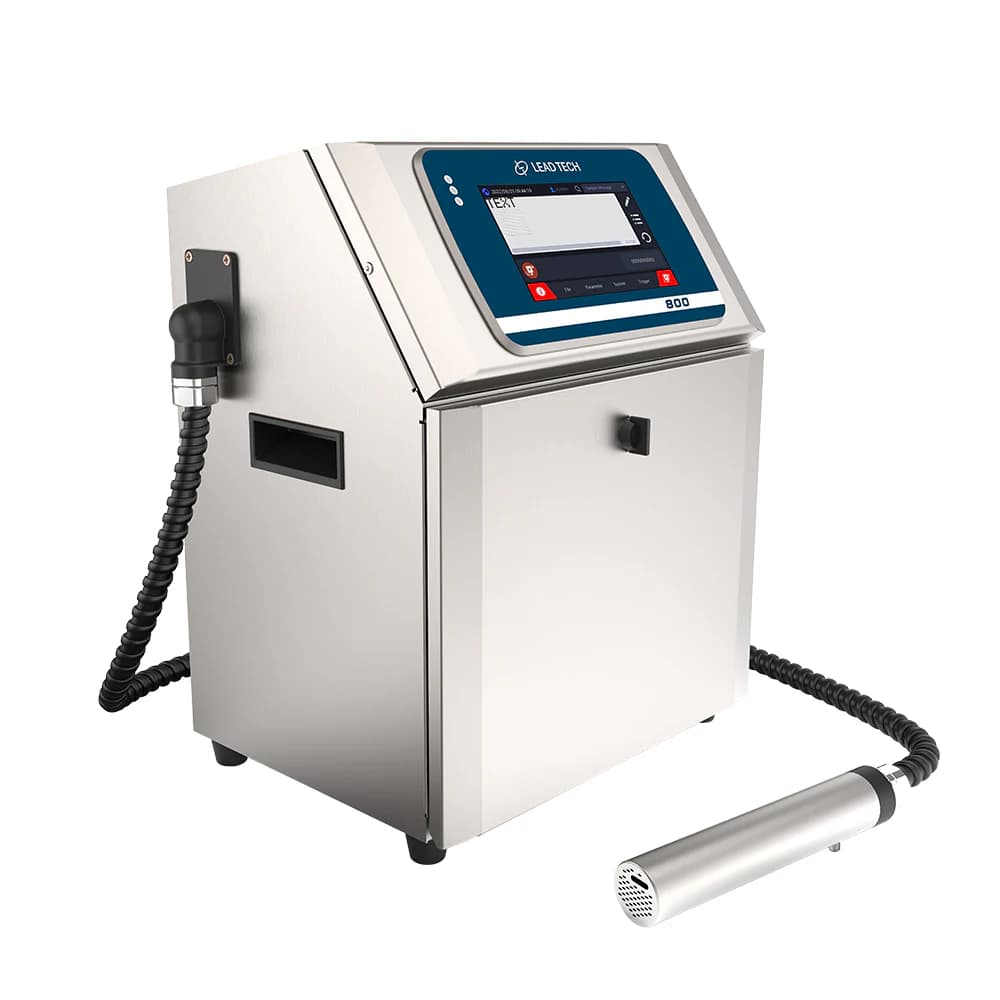
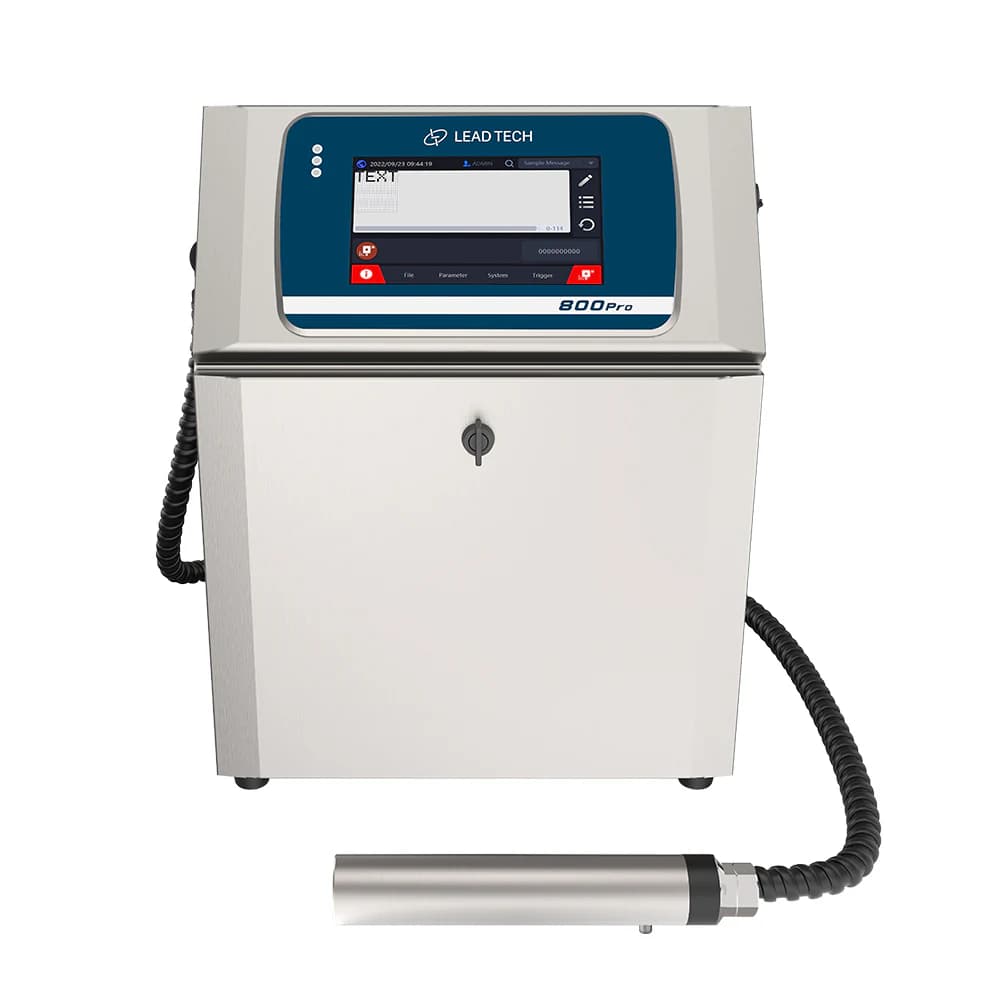
LEAD TECH printer visibly marked 810 in the manufacturer's related LT-series gallery.
Make the code fit the product surface
The table gives a 60 μm printhead and a 10 mm recommended printing distance. Select mounting and ink around the actual surface and product movement. Confirm readability, adhesion and drying after the same handling that the marked product will experience in production.
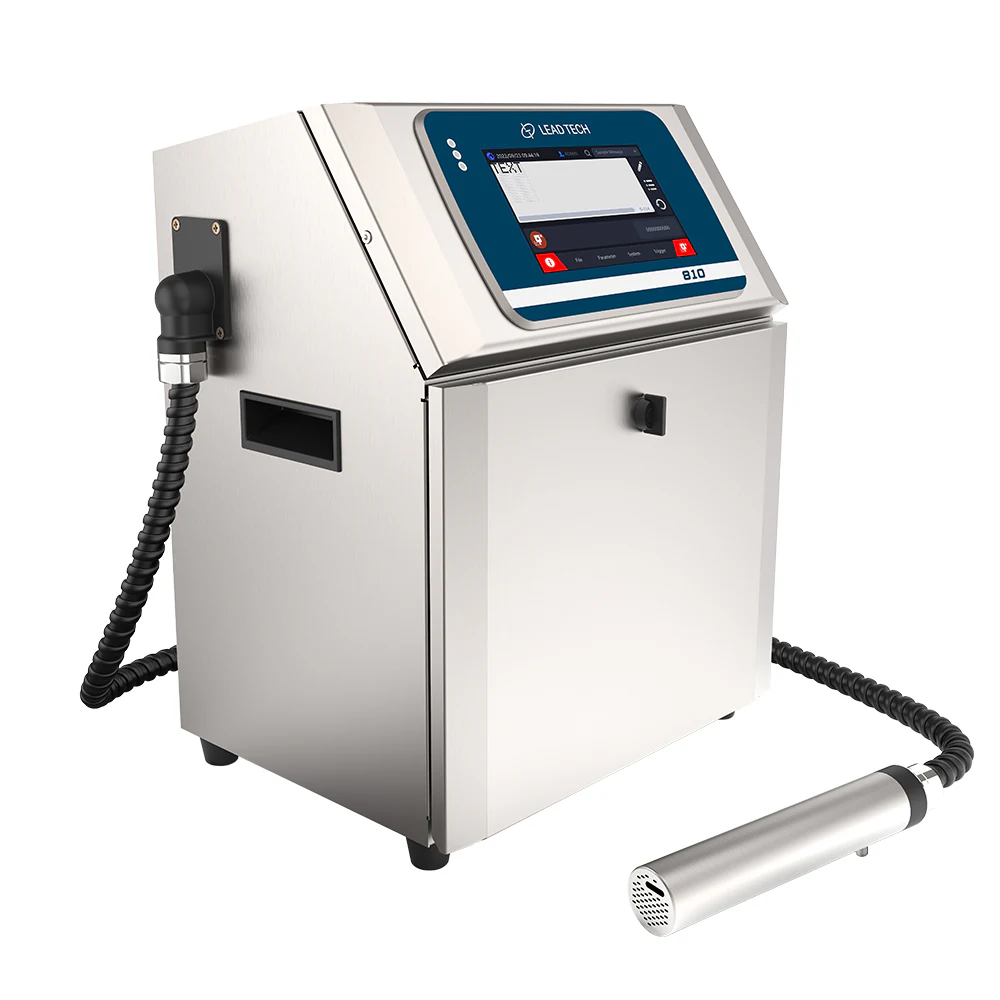
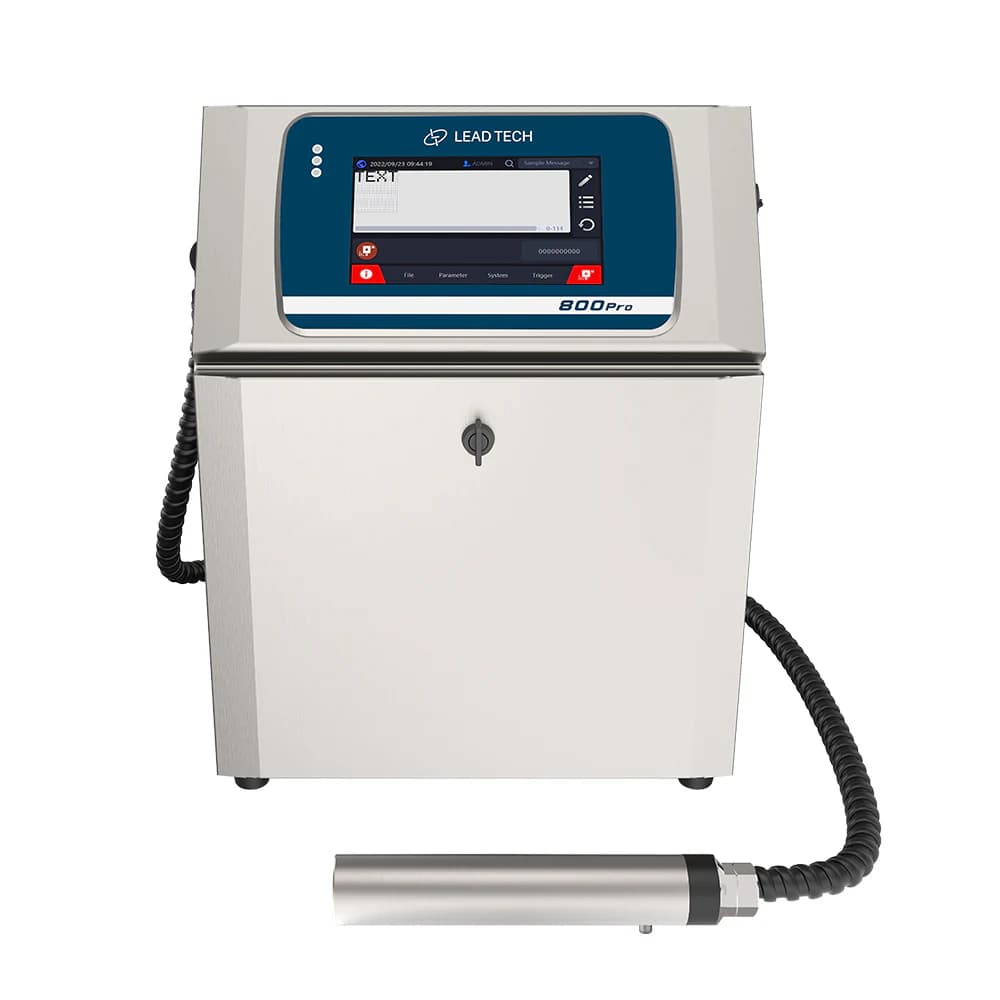
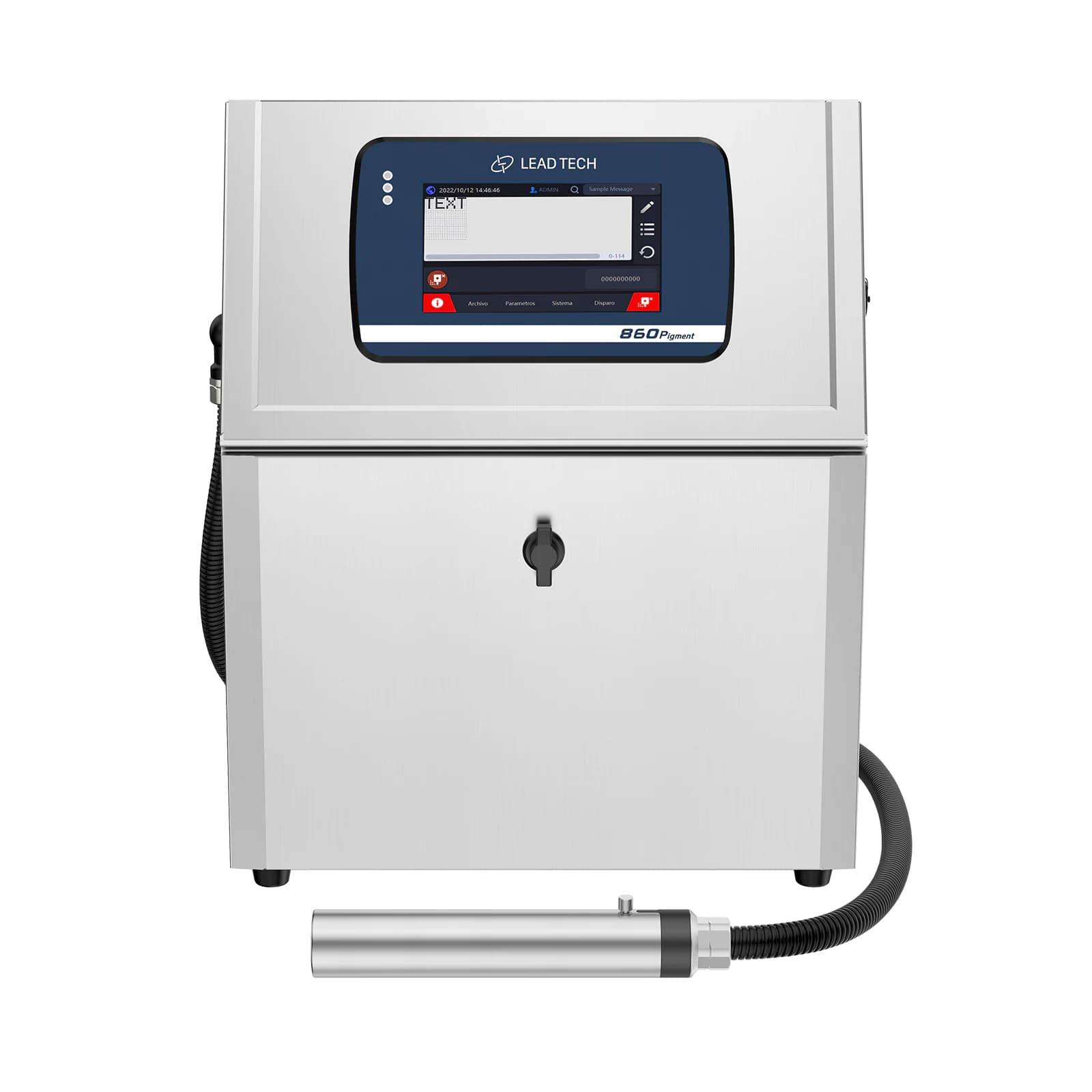
Second 810-labelled cabinet and printhead view from the manufacturer's gallery; confirm final LT810 configuration.
Define the message and control connection
The standard column lists USB and RS485, with stored messages and variable print content. Agree on the required message updates, trigger and encoder arrangement with the line integrator. If a network connection is required, confirm the supplied interface explicitly rather than assuming a Pro or HRS network option is included.
Planning your configuration
- Provide exact code layout, substrate, line speed and product pitch.
- Validate the selected ink and nozzle setup on representative samples.
- Confirm standard-model interfaces, message-update workflow and supplied LT810 identification.
Manufacturer sources
Product information and images are based on the following manufacturer references, reviewed on 2026-10-20T02:40:03.924819+00:00.