
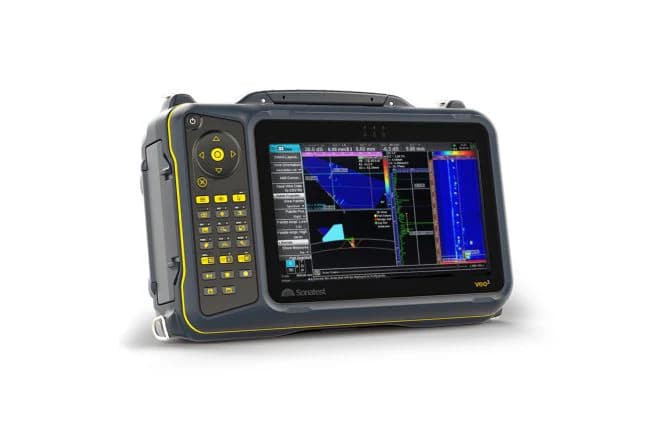
A multi-technique inspection platform
Veo3 supports different ultrasonic views within one instrument. Select the probe connections and analysis modes around the approved inspection procedure. The available technique range should not be confused with an automatic acceptance decision or a substitute for calibration.
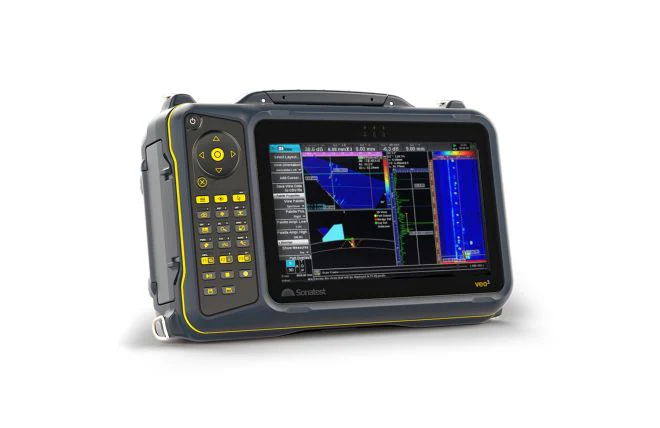
Sonatest Veo3 instrument photograph from the official product page.
Imaging and setup
The manufacturer illustrates TFM imaging and scan-planning tools. These images explain the interface rather than proving performance on an unspecified component. Confirm material, geometry, access, reference reflectors and required coverage before selecting the probe and scan plan.
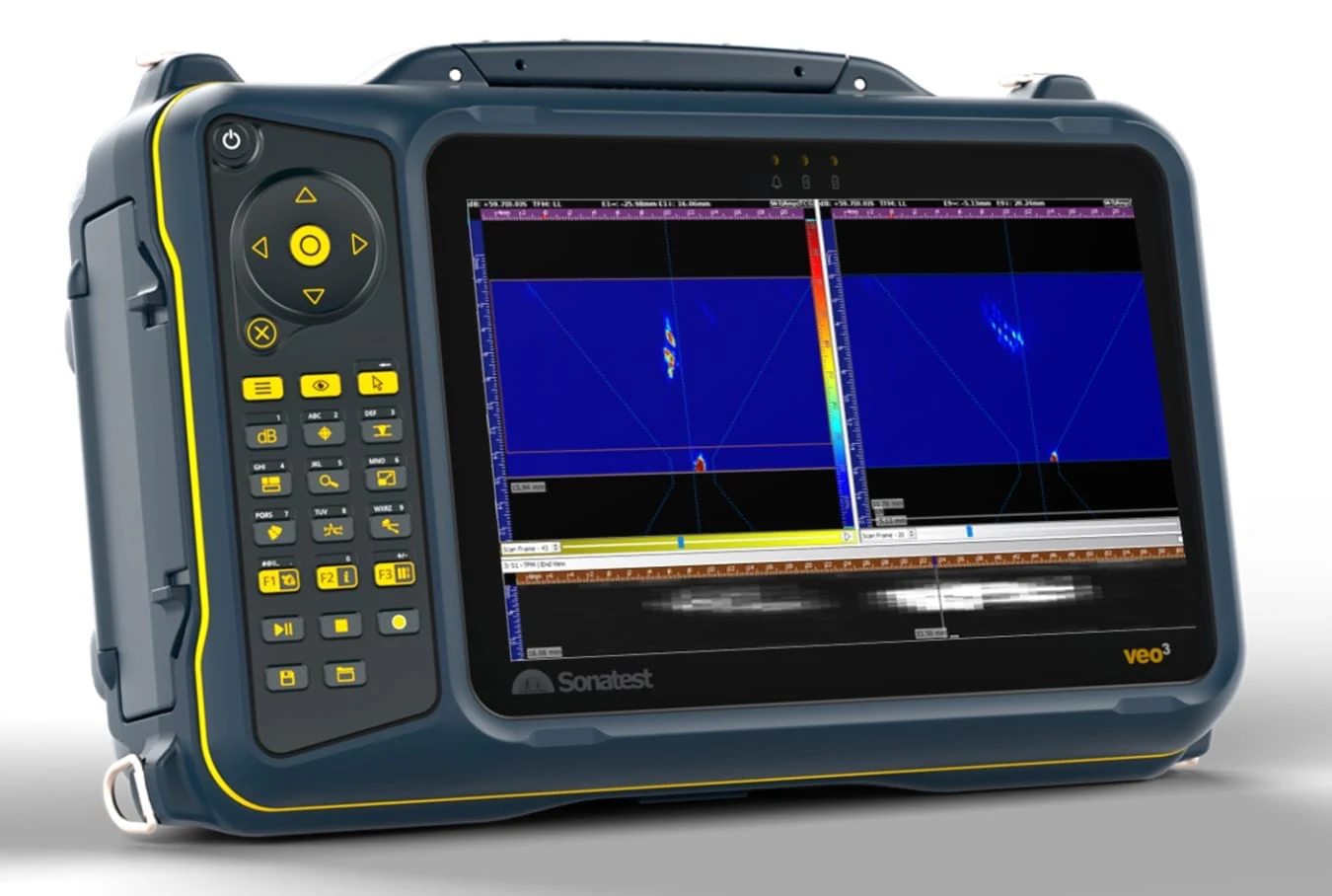
Manufacturer Veo3 TFMi screen illustration; an interface example, not a result for the buyer's component.
Configuration and recorded results
The product page separates base models from channel and software upgrades. Document the required licences, connectors, data export and reporting workflow in the equipment specification. Keep the selected setup and calibration records with the inspection results.
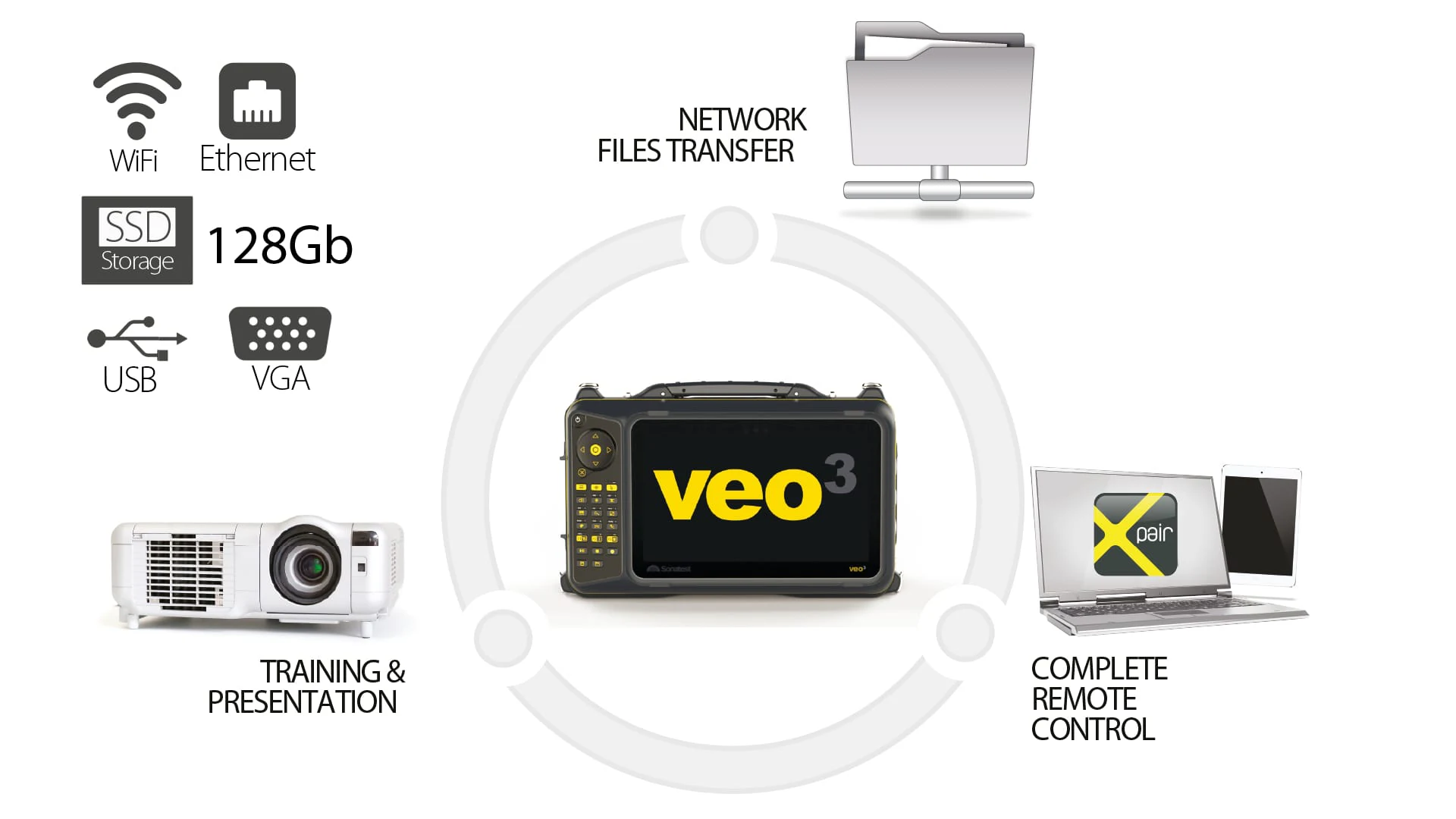
Veo3 manufacturer feature illustration; capability depends on ordered hardware and software.
Planning your configuration
- Specify PA channel count, connectors and required software licences.
- Confirm compatible probes, wedges, encoders and calibration blocks.
- Request a demonstration on representative geometry and the applicable inspection procedure.
Manufacturer sources
Product information and images are based on the following manufacturer references, reviewed on 2026-10-20T01:39:04.487910+00:00.