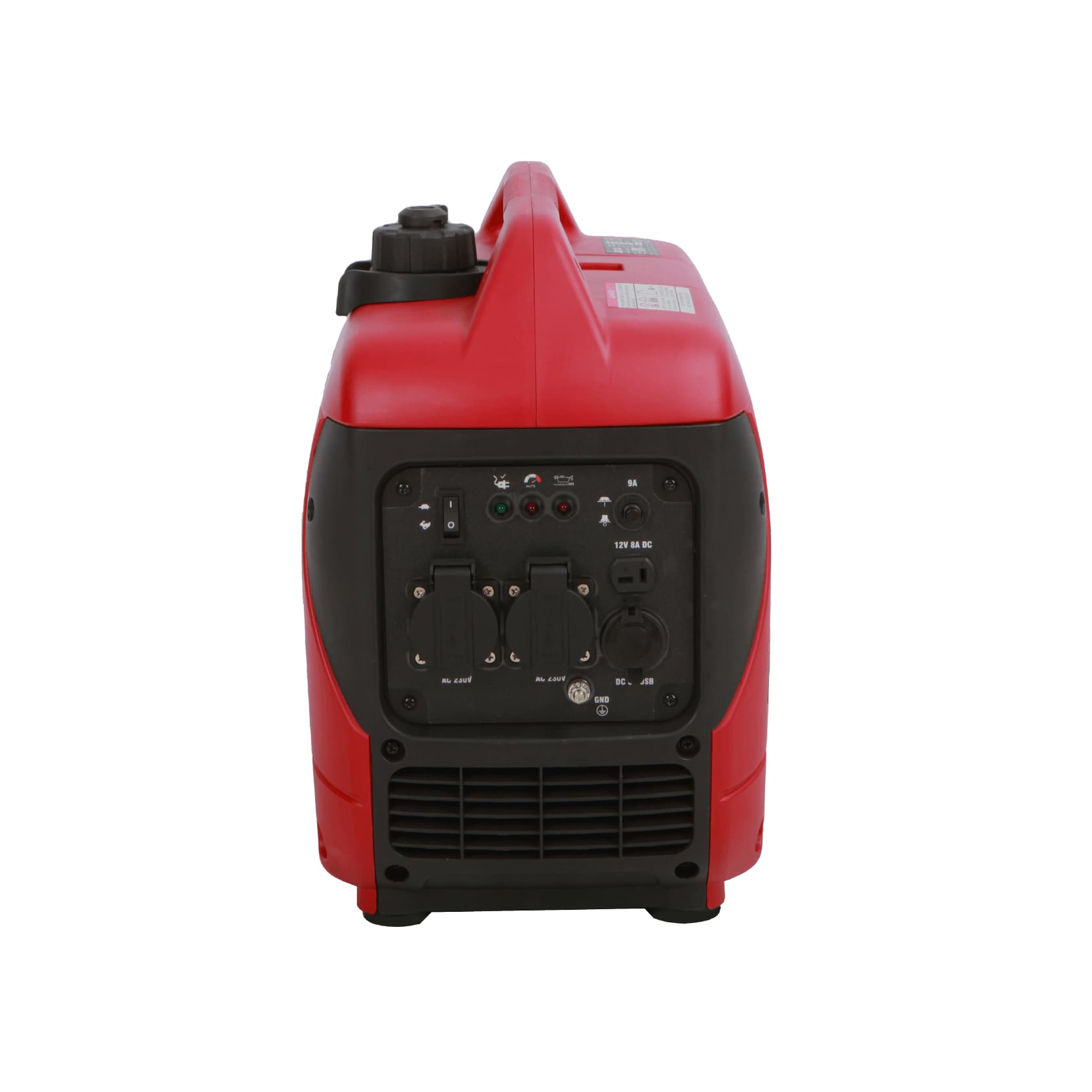
Select the named configuration
SENCI identifies SC2000i-BL in the page heading and its feature block. However, the technical table names SC1700i-BL. No power, engine, fuel, starting, size or mass values from that table are assigned to this record. Obtain a current SC2000i-BL specification before matching the unit to a load.
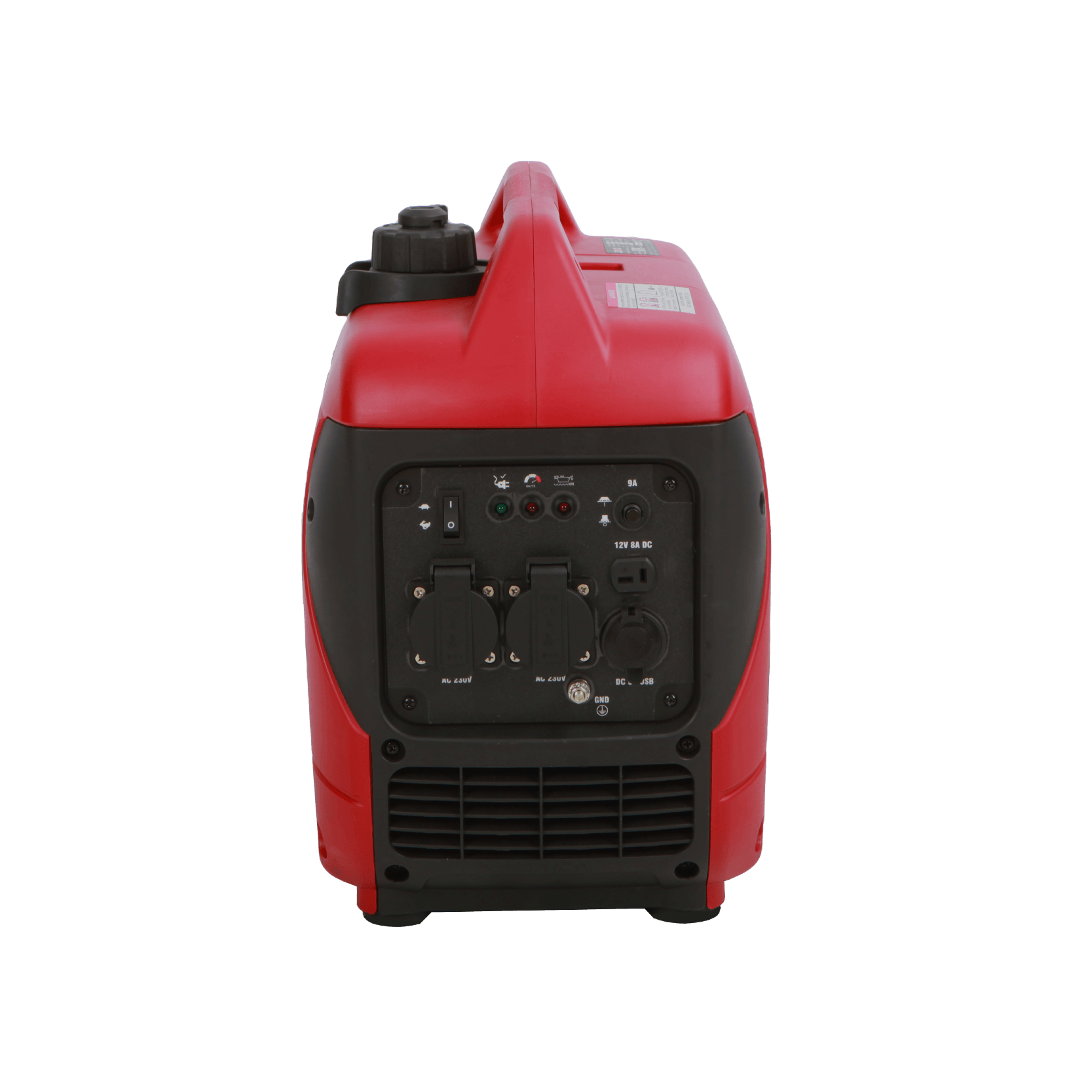
Front control-panel photograph on SENCI's SC2000i-BL page; pictured exact-model plate is not independently legible.
Confirm the optional parallel function
The model's named feature block describes parallel operation as optional. Specify whether it is needed and confirm the compatible partner unit, connection equipment and operating procedure. Do not assume that an optional function or accessory is fitted merely because it appears in the product range.
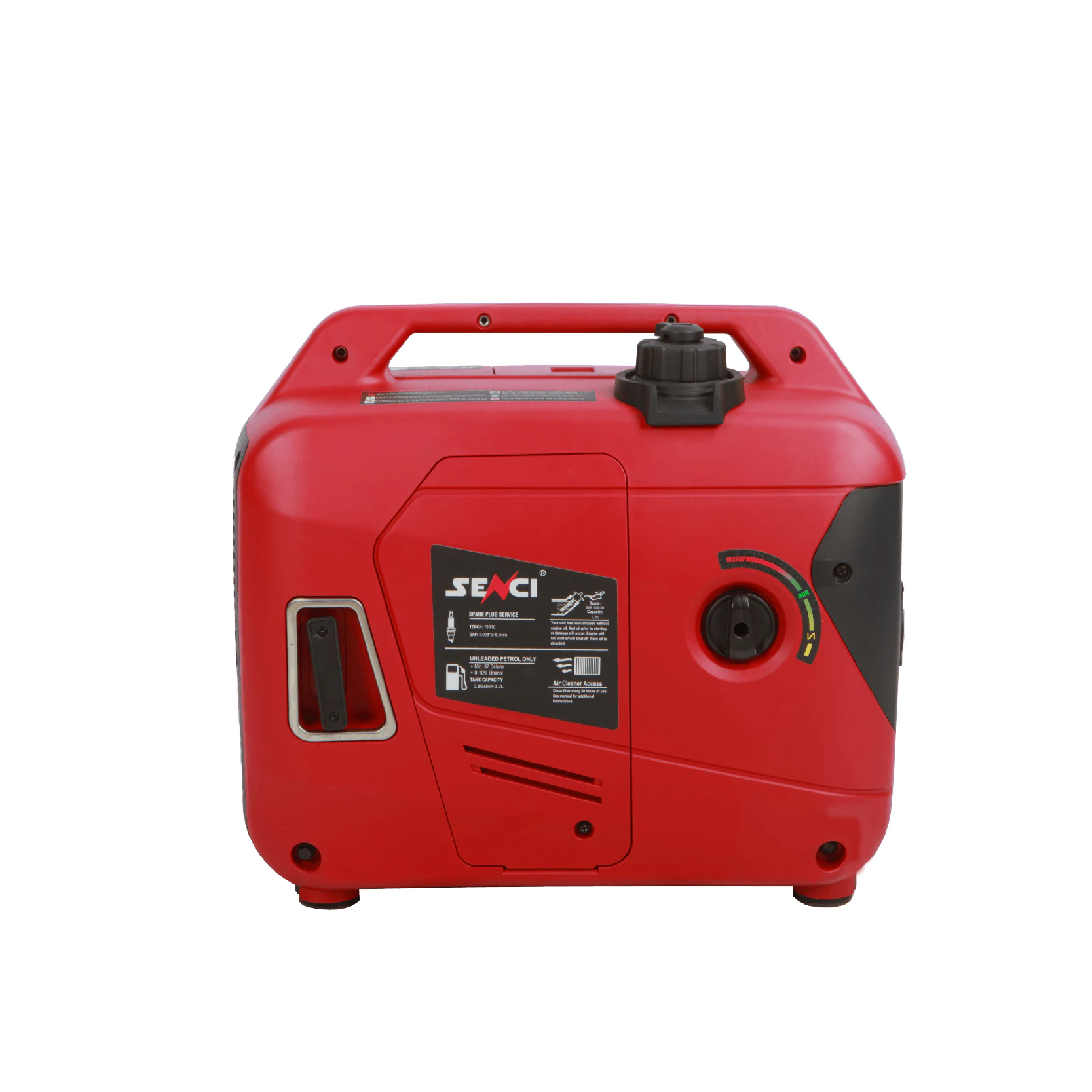
Side photograph in the SC2000i-BL gallery showing the enclosed form and handle; no conflicting table values are inferred.
Plan the portable installation around verified data
The page gallery shows an enclosed unit with a carrying handle and control panel. Use these images as configuration references, then confirm the supplied market version and documentation. Define the intended loads, handling route and operating location before accepting the manufacturer's final proposal.
Planning your configuration
- Request a current manufacturer specification explicitly headed SC2000i-BL.
- Specify required electrical output, voltage/frequency, outlets and starting-load duty; these values are not inferred from the conflicting table.
- Confirm parallel accessories and the final identification; gallery photographs do not establish a legible exact-model nameplate.
Manufacturer sources
Product information and images are based on the following manufacturer references, reviewed on 2026-10-20T03:32:42.617348+00:00.